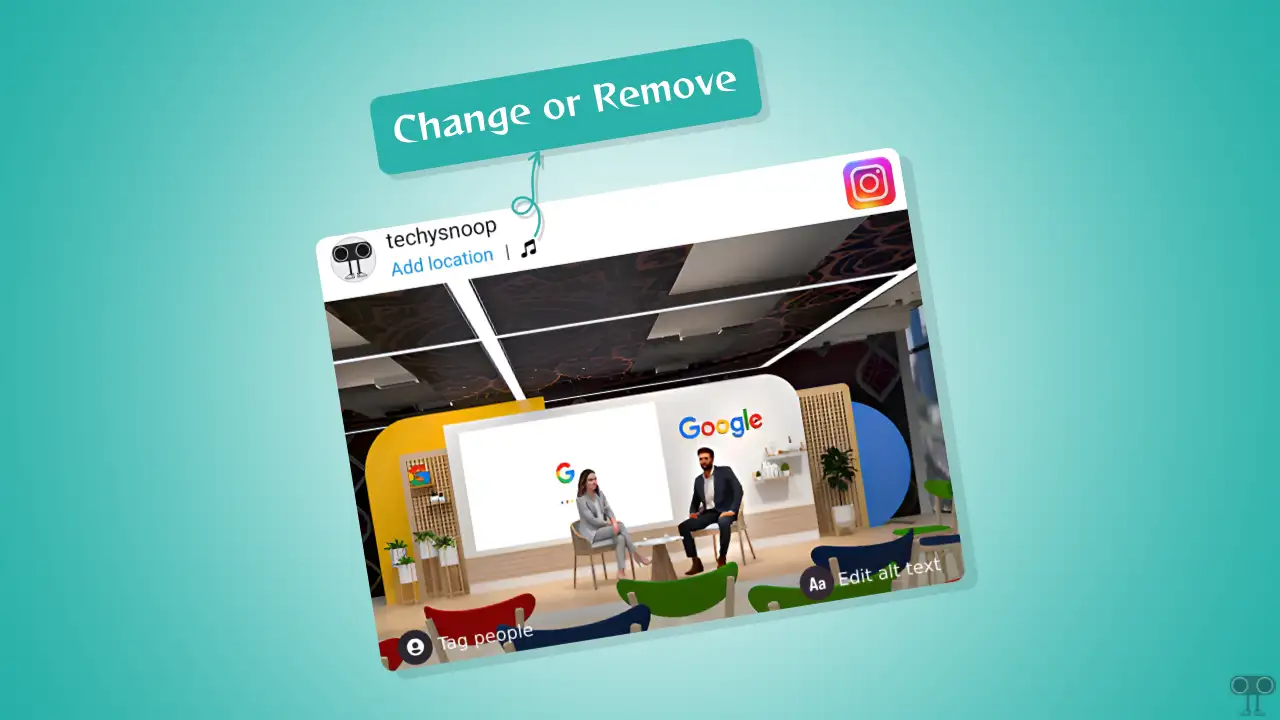
You just spent forty minutes color-grading that perfect sunset photo from the beach. You finally hit share, the engagement starts trickling in, and then it hits you. The song. It’s wrong. Maybe the lyrics are cringey in retrospect, or perhaps the beat drop doesn't actually line up with the vibe of the photo like you thought it did at 2 AM. You want to change song on instagram post after posting without losing those hard-earned likes and comments.
It’s a nightmare.
Honestly, Instagram’s interface is a bit of a maze when it comes to "post-production" edits. We’ve all been there, frantically tapping the three dots in the corner of a post hoping for a "replace audio" button that never seems to appear.
The Reality of How to Change Song on Instagram Post After Posting
Let's get the bad news out of the way first. As of early 2026, Instagram does not allow you to directly swap, edit, or change song on instagram post after posting once the content is live on your grid.
It’s frustrating.
Meta allows you to edit the caption. You can tag people after the fact. You can even add a location or tweak the alt-text for accessibility. But the audio file is baked into the post's metadata at the moment of upload. Once that "Finishing up..." progress bar disappears and the post hits the feed, the audio is locked in tight.
Why? It likely comes down to how Instagram handles licensing agreements with record labels. When you attach a song, a specific digital handshake happens between your content and the music rights holder. Changing that after the fact creates a technical and legal headache for the platform's automated copyright systems.
What about Reels?
You might notice that Reels feel a bit different. Sometimes, if a song is removed from Instagram's library due to licensing shifts, your Reel might go silent. In these specific, rare cases, Instagram occasionally prompts users to "Replace Audio" to keep the video from being muted. However, this is a reactive feature triggered by the platform, not a tool you can use just because you changed your mind about a Drake track.
Workarounds That Actually Work (And Some That Don't)
Since there is no "Edit Song" button, you have to get a little creative. You have three main paths here, and none of them are perfect, but they get the job done depending on how much you value your current engagement numbers.
The Nuclear Option: Delete and Repost
This is the only way to truly change song on instagram post after posting with 100% success. If the post has only been up for five minutes, just kill it.
- Save the photo or video to your camera roll (if you don't have the original).
- Tap the three dots and hit Delete.
- Start the upload process over.
- Select the correct song this time.
The downside is obvious. You lose the likes. You lose the comments. You lose the "momentum" the algorithm might have been giving you. If the post has been up for three hours and already has 200 likes, this feels like a punch in the gut.
The "Archive and Pivot" Strategy
If you hate the song but don't want to lose the content forever, archive it. Archiving hides the post from your profile but keeps the data. Then, you can repost the content with the new song. This is better for your "brand" because it doesn't look like you're constantly deleting things, but you're still starting from zero on the new post's engagement.
The "Mute" Workaround for Stories
If you posted a photo with music to your Stories and messed up, the fix is easier because Stories are ephemeral. Most people just delete the slide and re-upload. However, if you've already had a bunch of people interact with a poll or a link on that Story, you might just have to live with it.
Why Instagram Keeps the "Edit" Restricted
Adam Mosseri, the head of Instagram, often talks about "simplicity" in the app’s architecture, even if users feel like the app is getting more cluttered. Integrating a music-swapping tool for static feed posts or Reels would require re-indexing the post across the entire discovery engine.
When you search for a song on Instagram, you see a gallery of all posts using that audio. If people could constantly swap audio, those galleries would become a mess of broken links and mismatched content. It’s also about data integrity. Advertisers and creators rely on the "permanence" of a post to track how specific sounds trend.
Surprising Details About Music Copyright on IG
Did you know that using a "Business Account" limits your music choices? Many people try to change song on instagram post after posting because they realize their favorite pop song isn't available for their business profile.
If you have a professional business account, you are legally restricted to the "Commercial Music Library." This is a collection of royalty-free tracks that won't get you sued. If you accidentally bypassed this and used a trending hit, Instagram might mute your post anyway. In that case, you'll see a notification saying "Audio Removed." That is the one time you might actually get the option to pick a new, legal track.
Practical Steps to Avoid Post-Upload Regret
Since you can't easily fix it later, you have to change your workflow.
Use the "Drafts" Folder Religiously
Never post immediately. Save your post to drafts and walk away for ten minutes. Come back with fresh ears. Does the song still sound good? Is the volume of the music drowning out the sound of the video?
Check the "Original Audio" vs. "Licensed Music"
If you’re uploading a video with its own sound, Instagram lets you layer music on top. Always check the balance sliders. Sometimes people want to change song on instagram post after posting because the music is way too loud and they can't hear themselves talking. Once it’s posted, you can’t fix that balance.
The "Close Friends" Test
If it's a high-stakes post—like a brand partnership or a major life announcement—post it to your "Close Friends" list first. View it as a follower would. If it looks and sounds right, delete it from Stories and push it to the main feed.
Actionable Next Steps
If you are currently staring at a post with a song you hate, follow this logic:
- Under 10 minutes live: Delete it immediately. The algorithm won't punish you for a quick fix, and you can re-upload with the right track.
- Over an hour live but low engagement: Archive it. It’s not worth the "cringe" factor if the song is truly ruining the vibe. Repost with the correct audio.
- High engagement/Viral: Leave it alone. Most people scroll with their sound off anyway (statistically, about 75% of users on mobile). The "visual" of the post is doing the heavy lifting. Don't kill a winning post over a minor audio mistake.
To prevent this in the future, always preview your post in the final "Share" screen. Tap the image to hear the audio one last time before hitting that blue button. It’s the only way to ensure you never have to worry about the lack of an edit button again.