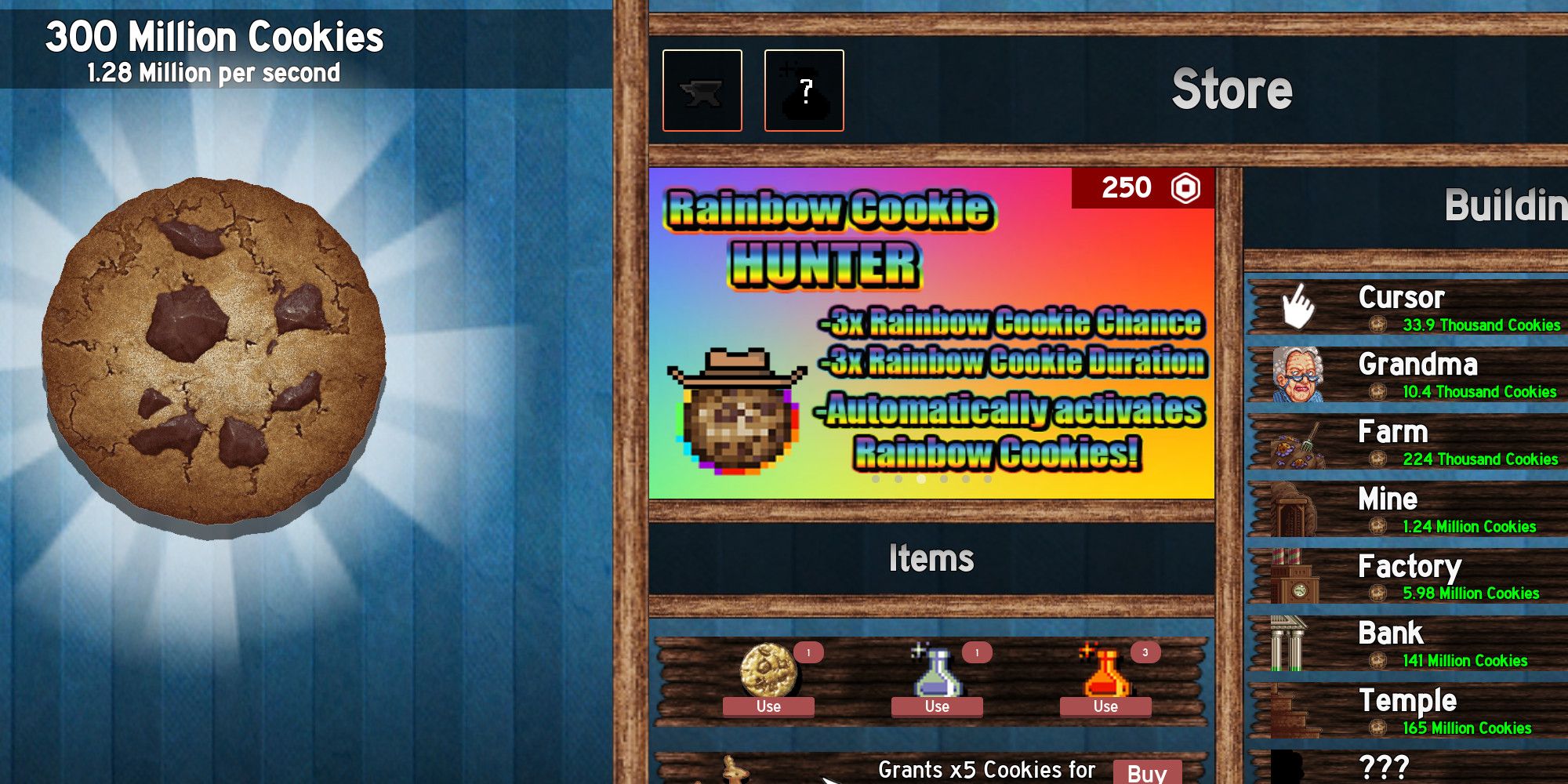
You’ve been clicking that giant, pixelated cookie for hours. Maybe days. Your index finger is actually starting to throb, but you finally hit your first billion. Then it happens. Your browser clears its cache, or your computer decides to restart for an update you didn't ask for. Suddenly, the bakery is gone. Everything. The grandmas, the farms, the antimatter condensers—all vanished into the digital void. It's a gut-wrenching feeling that every long-term player knows all too well. This is exactly why cookie clicker import codes copy and paste isn't just a convenience; it's a survival tactic for anyone serious about Orteil’s legendary incremental game.
Most people think the game just "saves itself." It does, sort of. Local storage is a fickle beast. If you're playing on a browser like Chrome or Firefox, those saves are tied to your browser data. If you clear your history to speed up your laptop, you’re inadvertently deleting your entire cookie empire.
The Absolute Basics of Exporting and Importing
Let’s get the technical stuff out of the way first. To get your save code, you need to hit the "Options" button at the top of the screen. Look for the "Export save" button. A window pops up with a massive string of gibberish—that's your life's work in text form. You need to copy that entire block. Seriously, every single character matters. Even one missing letter at the end will make the code invalid.
Once you have that code, save it somewhere safe. I’m talking about a Google Doc, a Discord DM to yourself, or even a physical Notepad file on your desktop. When you're ready to bring that progress back, you just hit "Import save" and paste the string in. It’s instant. One second you have zero cookies, the next you're back to quadrillions.
Why Your Code Might Be Breaking
It happens to the best of us. You try to use your cookie clicker import codes copy and paste and the game just stares back at you with an error message. Usually, this is because of a "null" error or a formatting glitch. If you copied the code from a website or a chat app, sometimes the app adds "rich text" formatting. It might turn a straight dash into an em-dash or add a hidden space at the end.
The game is incredibly picky. It’s looking for a specific Base64 encoded string. If you’re moving a save from the HTTP version of the site to the HTTPS version, you might also run into some hiccups, though Orteil has patched most of those compatibility issues over the years.
Cheat Codes vs. Legitimate Backups
There is a bit of a "grey area" here. While most players use import codes to protect their progress, others use them to skip the grind entirely. You can find "God Tier" save codes online that give you every achievement, infinite sugar lumps, and more cookies than there are atoms in the observable universe.
Is it cheating? Technically, yes. But Cookie Clicker is a single-player experience. If you want to see what a "Late Game" build looks like without waiting three years for your garden to mature, using a public import code is the fastest way to do it. Just know that once you've seen the end, the magic of the "click" kinda fades away.
Honestly, the real fun is in the journey. If you jump straight to the end, you miss out on the weirdness of the Grandmapocalypse or the frantic stress of a flickering Golden Cookie.
The Steam Version Factor
If you’ve moved over to the Steam version of Cookie Clicker, you’ve probably noticed it handles things a bit differently. Steam has cloud saves, which is a literal lifesaver. However, the game still allows for manual exports. This is actually a great way to move your long-running browser save into the Steam environment.
- Go to your browser game.
- Export the save and copy the code.
- Open Cookie Clicker on Steam.
- Go to Options -> Import Save.
- Paste and confirm.
Boom. All your browser achievements are now Steam achievements. It’s one of the few games that actively encourages you to bring your "legacy" with you.
Advanced Save Management
For the truly obsessed—the people who have the "Just Plain Lucky" achievement and actually earned it—managing your cookie clicker import codes copy and paste becomes a weekly ritual. Some players even use external tools like the Cookie Clicker Save Editor. These tools allow you to tweak specific variables. Maybe you lost a single Sugar Lump due to a glitch? You can edit the code to add it back.
But be careful. Editing your save string manually is like playing with digital fire. One wrong character and the whole file becomes "corrupt."
The game has been around since 2013. That is an eternity in internet years. The fact that we are still talking about how to move these saves around is a testament to how addictive the loop actually is. It’s not just about the numbers going up; it’s about the time invested.
Common Pitfalls to Avoid
- Don't rely on Auto-save: It's great until it isn't. Always keep a manual text backup.
- Watch out for Mods: If you're using mods like Frozen Cookies or Cookie Monster, some save data might be specific to those extensions.
- The "Wipe Save" Button: It’s right next to the export button. Please, for the love of all that is holy, look before you click. There is a confirmation prompt, but "autopilot" is a real thing when you're tired.
Putting Your Codes to Work
If you’re looking to experiment, try keeping two separate save codes. Use one for your "main" run where you play legitimately. Use the second one to test out different Heavenly Upgrade paths after a prestige. Since you can just swap codes back and forth, it’s like having multiple save slots in an RPG.
Basically, treat your save code like a password. It's the only thing standing between you and starting over from scratch with a single, lonely cursor.
To keep your progress safe, make it a habit to export your save every time you make a significant purchase or hit a new milestone. It takes five seconds. You’ll thank yourself later when your browser inevitably crashes during a Windows update.
Start by creating a dedicated "Cookie Saves" folder on your desktop. Every Friday, or whenever you hit a big prestige point, paste your new code into a fresh text file labeled with the date. If you ever need to roll back because you messed up your Garden or spent Sugar Lumps on something useless, you'll have a library of backups ready to go.