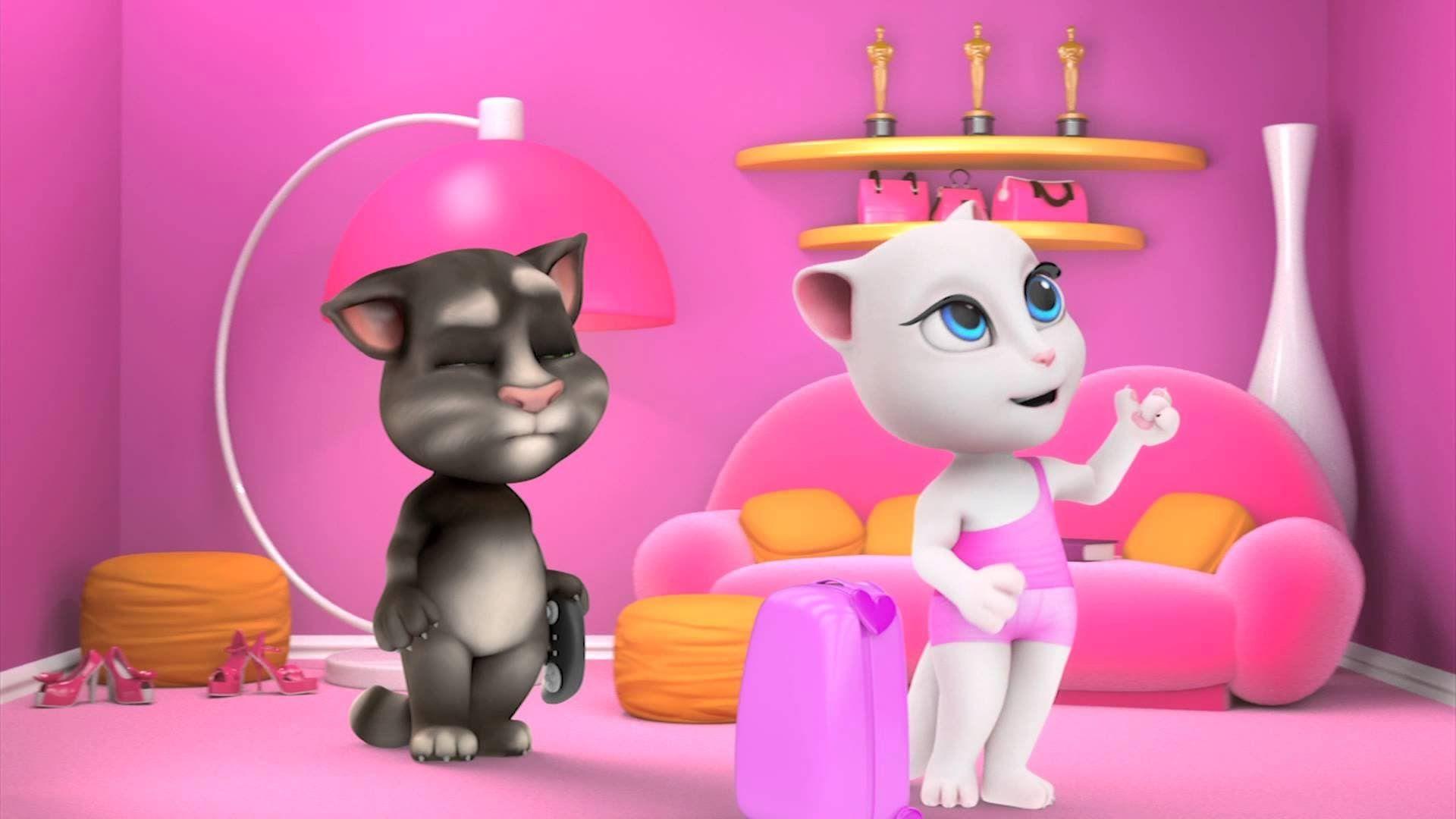
You remember 2014, right? The world was a weird place. We were all obsessed with Flappy Bird, the Ice Bucket Challenge was everywhere, and for some reason, everyone was absolutely convinced that a virtual white cat was spying on them. If you search for pictures of talking angela today, you aren't just finding cute screenshots of a fashion-forward feline. You’re digging up one of the internet’s first true "creepypasta" urban legends that actually made parents call the police.
It’s wild how a simple mobile game sparked a global panic. People were zooming into low-resolution screenshots of Angela’s eyes, claiming they could see a "man in a room" or a "hacker’s office" reflected in her pupils. Spoiler alert: it wasn't a guy in a hoodie. It was just a really basic, static reflection texture used by the developers to make her eyes look shiny. Basically, it was a victim of pareidolia—the human brain’s annoying habit of seeing faces where they don't exist.
The Truth Behind the Eye Reflections
Let’s get technical for a second but keep it simple. When developers create 3D characters, they don't want the eyes to look like flat, lifeless marbles. To fix this, they use something called an "environment map." It’s basically a tiny, blurry picture wrapped around the eye to simulate a reflection. In the original version of the app, that picture was a generic street scene or a cafe.
When you zoom in 500% on a 2012-era smartphone screen, that blurry cafe starts to look a lot like a creepy dude sitting at a desk.
Outfit7, the studio behind the game, had to come out and explicitly deny that there were "pictures of talking angela" being taken by hackers. They even updated the game in 2016 to change her eye textures to a more "cartoony" style just to get people to stop freaking out. Honestly, it was a smart move, though the damage to the brand's reputation with paranoid parents took years to heal.
Why the Rumors Stuck
The rumors didn't just come out of nowhere. The original Talking Angela app had a "Chat Mode." Back then, AI wasn't ChatGPT level; it was a scripted bot. But it was sophisticated enough to ask things like:
- "What is your name?"
- "How old are you?"
- "What are your hobbies?"
To a kid, it felt like a real conversation. To a parent who already didn't trust technology, it felt like a predator "phishing" for info. There were even fake news reports claiming kids had gone missing because of the app. None of it was true. Not a single case was ever verified by actual law enforcement, but on Facebook, the "share" button is a powerful thing.
Evolution of the Angela Aesthetic
If you look at official pictures of talking angela from 2012 versus now, the change is staggering. She started as a somewhat realistic, slightly uncanny Parisian cat sitting at a cafe. She didn't even wear clothes at first, which is kinda funny considering she’s now a "global fashion icon."
Today, in My Talking Angela 2, she’s basically a 3D pop star. The "uncanny valley" look is gone, replaced by a high-gloss, Pixar-adjacent art style. She’s moved out of the creepy cafe and into a high-rise city apartment. You've got options for everything now:
- Stage Outfits: Glittery dresses and microphones for her singing career.
- Travel Photos: High-res images of Angela in various world cities like Tokyo or Paris.
- Makeup Close-ups: Detailed views of her face that—thankfully—show nothing but digital pixels in her eyes.
The "Secret" Photo Features You Might Have Missed
A lot of people don't realize that the "scary" camera feature was actually an innovative (for the time) facial recognition tool. In the old versions, there was a "face" button. If you turned it on, the app would use your front-facing camera to detect if you were smiling, yawning, or sticking out your tongue. Angela would then mimic you.
It was meant to be a "wow" feature for tech nerds, but it ended up being the "smoking gun" for the conspiracy theorists. They thought if she could see you to mimic you, a hacker could see you too. The reality was much more boring: the data was processed locally on your phone and never sent to a "hacker's lair."
How to Safely Enjoy the Game Today
If you’re looking for the best pictures of talking angela or want to let your kids play, the modern versions are incredibly safe. Outfit7 is now one of the most strictly regulated developers in the world because of the 2014 mess.
- Child Mode is standard: The chat feature is long gone. It was removed in March 2016.
- Privacy Indicators: Modern phones (iOS 14+ and Android 12+) have those little green or orange dots that light up if an app even touches your camera or mic.
- No Personal Data: The game doesn't ask for your address or school anymore. It just wants you to buy virtual stickers and bake digital cakes.
Why We Still Talk About These Pictures
The "man in the eye" remains one of the most successful digital hoaxes in history. It ranks right up there with the Blue Whale Challenge or Momo. It’s a fascinating look at how collective anxiety can turn a simple graphic asset into a nightmare.
Most of the "creepy" pictures of talking angela you see on YouTube thumbnails today are edited. People add red circles, high contrast, and fake silhouettes to get clicks. If you actually download the game today, you'll see a vibrant, polished experience that's about as dangerous as a digital coloring book.
The actionable takeaway here? Don't believe every "viral warning" you see on social media, especially when it involves zooming into reflections. Digital art is made of layers, and sometimes those layers just look weird when you stare at them too long.
If you want to see the real deal, stick to the official gallery on the Talking Tom & Friends Wiki or the App Store previews. They show the actual evolution of the character from a simple chatbot to a multi-billion-dollar franchise lead. No hackers, no "men in rooms," just a very stylish cat living her best life.
Actionable Insight for Parents: If you're still worried about privacy in games like these, check your phone's "App Permissions" in the settings menu. You can manually disable camera and microphone access for any game while still letting the gameplay work. This is the single most effective way to ensure "secret pictures" are physically impossible for any app to take.