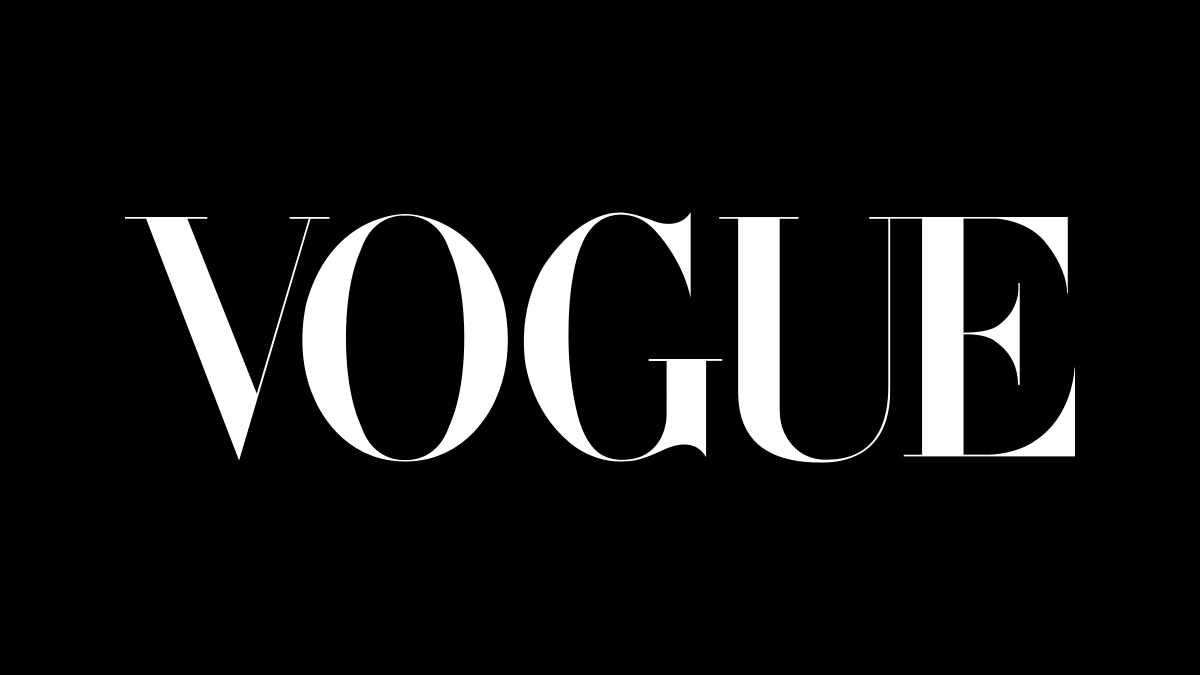
Walk into any airport newsstand or scroll through your digital feed, and there it is. Four letters. Tall, thin, and impossibly sharp. Most people look at the Vogue logo and see a magazine title, but designers see a masterclass in psychological branding. If you've ever tried to replicate that "high-fashion" look for a project, you’ve probably asked: what font does Vogue use exactly?
The short answer? It’s complicated.
Honestly, it’s not just one font. While the "VOGUE" masthead is the star of the show, the magazine actually uses a sophisticated ecosystem of custom-tailored typefaces to maintain that status of being the world's fashion bible.
The Iconic Masthead: Not Your Average Didot
If you look at the logo, your brain probably screams "Didot!" And you aren't wrong, but you aren't 100% right either. Since 1955, the Vogue logo has been anchored by a customized version of Didot, a typeface family originally created by the French Didot family in the late 18th century.
Why does it look so "expensive"? It's all about the contrast.
The vertical strokes are thick and heavy, while the horizontal lines (the hairlines) are razor-thin. This style is known as a Didone or Modern serif. It communicates a certain fragility—like a silk gown or a glass of vintage champagne. It’s "loud" without shouting.
However, the logo you see on the cover isn't a font you can just download from Google Fonts. It's a bespoke, modified version. Over the decades, the letterforms have been refined to be even more condensed and sharp. The "V" and "G" in particular have undergone subtle surgery to ensure they look perfect regardless of whether they are printed in metallic gold or neon pink.
The Secret Weapon: Vogue AG
While the logo gets all the glory, the real workhorse of the magazine’s visual identity is a custom sans-serif font called Vogue AG.
Created in 2004 by the type foundry Terminal Design, specifically by designer James Montalbano, this font was a total game-changer. Before this, Vogue was a bit of a wild west typographically. They needed a cohesive "voice" for their cover lines and supplemental text.
Vogue AG is a fascinating hybrid. It basically takes the geometric DNA of Futura and mixes it with the late-60s swagger of Avant Garde Gothic.
- It's used for those punchy headlines that tell you "What's Hot Now."
- It provides a clean, modern counter-balance to the traditional serif logo.
- It has several weights, but the "Light" and "Extra Bold" versions are the ones that define the modern Vogue aesthetic.
If you’re looking at a 2026 edition, you'll notice how these two play off each other. The serif says "heritage," while the sans-serif says "now."
Why the Body Text Matters More Than You Think
Ever wonder why reading a 10-page Vogue profile feels so effortless? It's not just the gossip about celebrities. It’s the typography. For the actual articles—the "body copy"—the magazine often moves away from the high-contrast Didot.
High contrast is great for a logo, but it’s actually painful to read in long paragraphs. The thin lines disappear at small sizes, making your eyes strain. To fix this, Vogue has frequently utilized Mercury or Granger for its sub-headings and long-form text.
Mercury, designed by Hoefler & Co., is a "workhorse" serif. It retains the elegance of a fashion font but has enough "meat" on its bones to remain legible in a 2,000-word feature. They also use a custom font called Granger for more stylized editorial spreads.
Global Variations: The International Look
One of the coolest things about the brand is that Vogue isn't a monolith. British Vogue, Vogue Italia, and Vogue Japan often have their own typographic "accents."
For instance, British Vogue has a long history of playing with Gill Sans for its cover lines—a very "British" choice that adds a touch of mid-century modernism. Meanwhile, the Italian edition, especially under the late Franca Sozzani, became famous for breaking every design rule in the book, often using massive, overlapping display fonts that felt more like art than a magazine.
How to Get the Look (Without the Condé Nast Budget)
If you’re a designer or a creator trying to capture that "Vogue vibe," you probably don't have $50,000 for custom type development. That’s okay. You can get 90% of the way there with these alternatives:
- Linotype Didot: This is the closest commercial relative to the logo. If you use it, make sure to "track" it—that means adding extra space between the letters. Vogue loves its letter-spacing.
- Bodoni: Often confused with Didot, Bodoni is slightly more "sturdy." It works great if you want the high-fashion look but need it to be a bit more readable.
- Playfair Display: This is a free Google Font that captures the "Modern" serif look surprisingly well. It’s not an exact match, but for a blog or a social media graphic, it hits the right notes.
- Futura or Montserrat: For those Vogue AG vibes, a clean geometric sans-serif is your best friend. Keep it in "All Caps" and use a light weight for that "minimalist luxury" feel.
The Actionable Insight for Creators
Typography isn't just about picking a "pretty" font. It's about brand signaling. When people ask what font does Vogue use, they are really asking: How do I make my brand feel prestigious?
The secret isn't just the font itself; it’s the contrast.
Pair a very high-contrast, elegant serif (like Didot) with a very simple, geometric sans-serif (like Futura). Use plenty of white space. Keep your colors limited—black and white with one accent color is the classic Vogue formula.
If you want to design like the pros, start by downloading a high-quality version of Didot and experimenting with "kerning" (the space between individual letters). Sometimes, the difference between a cheap-looking DIY project and a "Vogue-quality" design is just 2 points of extra space between the letters "V" and "O."
Next time you're looking at a newsstand, take a second to look at the "G" in the logo. Notice how the curve is perfectly circular? That’s not an accident. It’s seventy years of branding perfection.
Pro-tip for 2026 designers: If you're building a digital brand, don't use the ultra-thin versions of these fonts for mobile body text. They will "break" on low-resolution screens. Save the "Vogue" look for your big, bold headlines, and use a robust, modern sans-serif like Inter or Roboto for the actual reading experience. Your users' eyes will thank you.
To get started on your own luxury design, try pairing Playfair Display (Bold) for your headings with Montserrat (Light) for your subheadings—it’s the quickest "cheat code" to high-end editorial style available for free today.